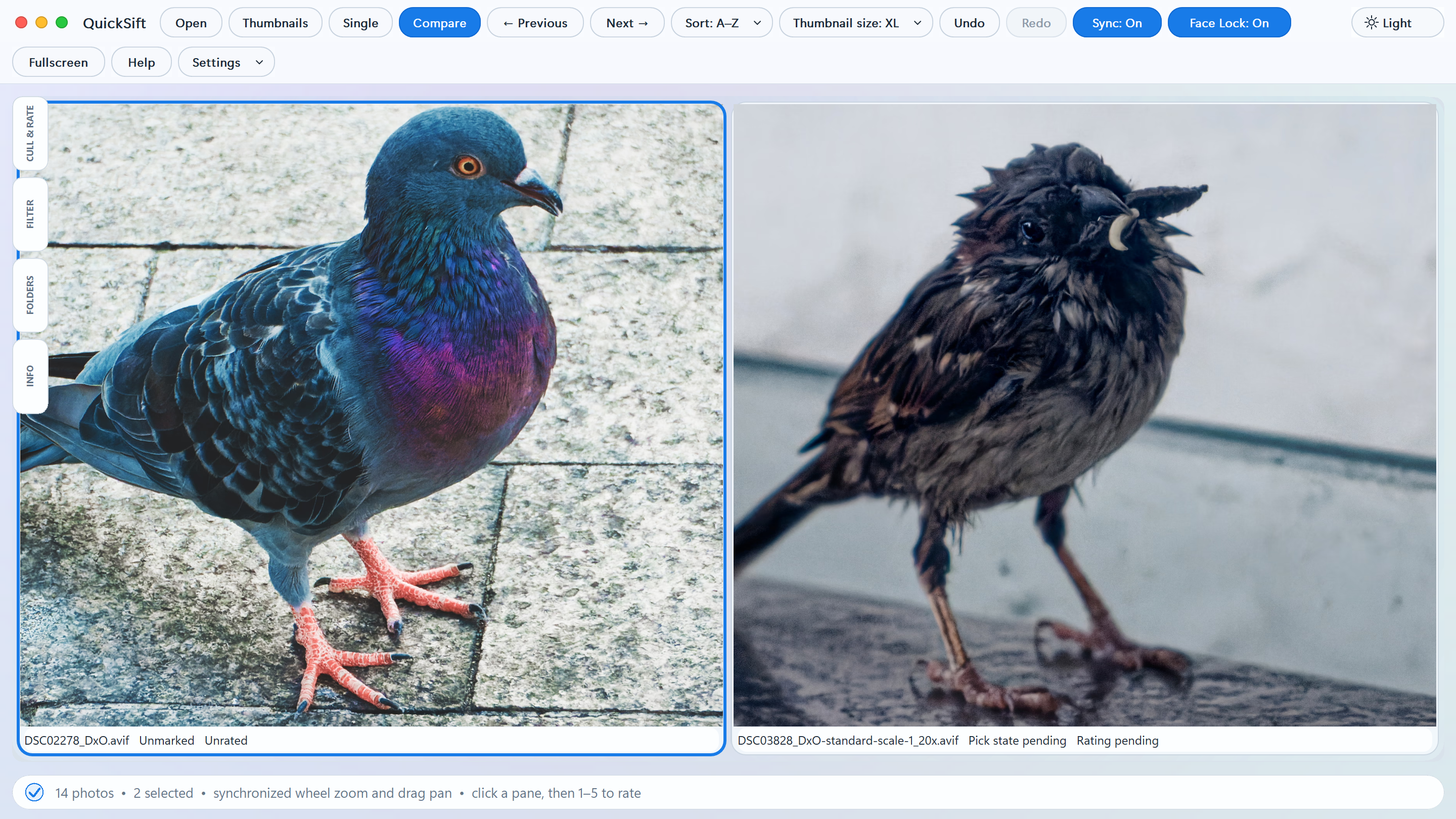
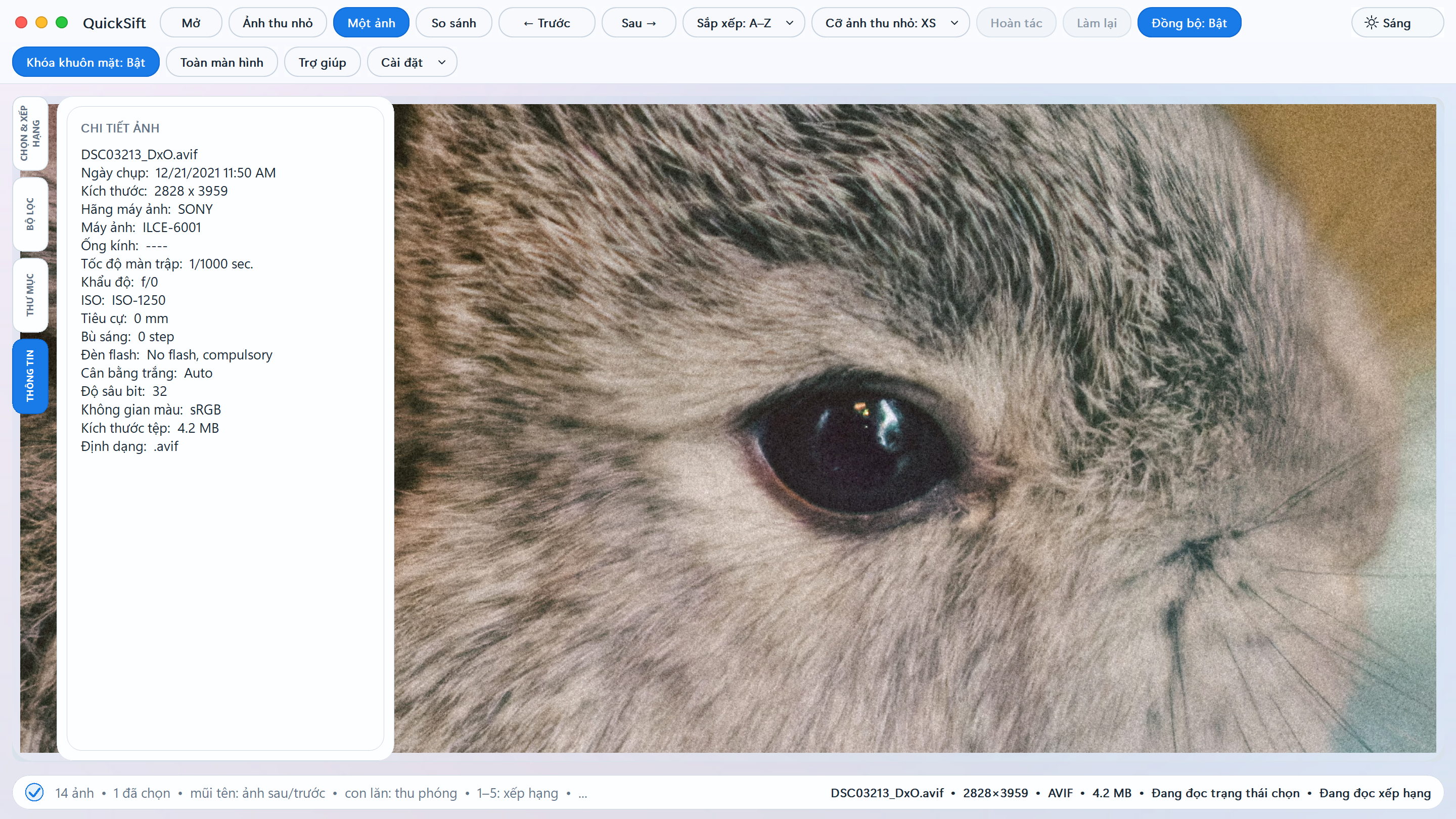
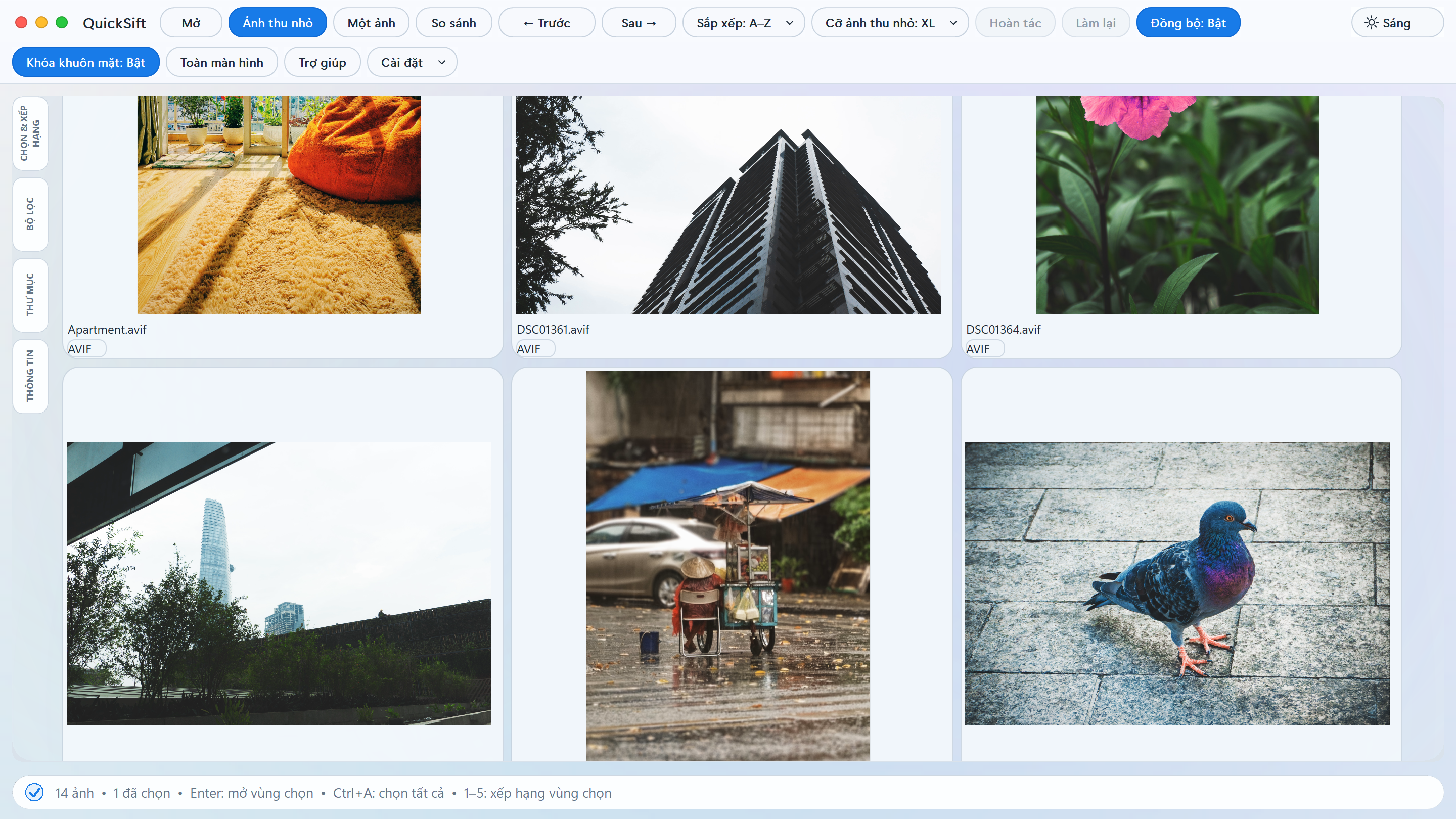
QuickSift is a native Windows photo-culling tool built for photographers who need a fast way to review large collections and make confident selections. With special FaceLock feature, you can quickly zoom straight into faces to compare them, as many as 6 at a time.
"Since you need this app to save time, you probably don't have the time to build and compile it from source code."
Move from a folder full of photographs to a clean, organized selection quickly and safely with purpose-built tools.
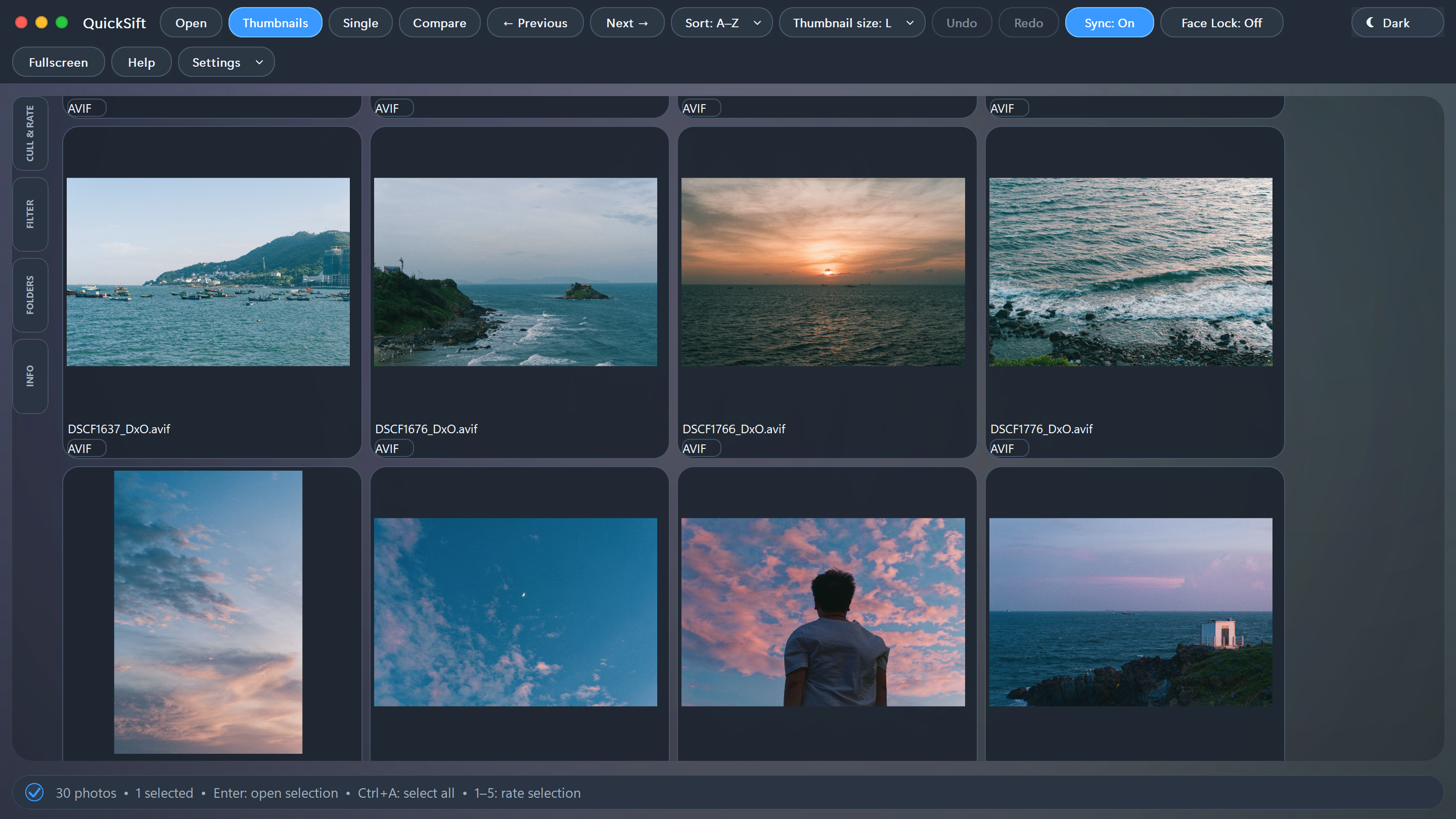
Switch between a rapid thumbnail grid, focused single-image inspection, and synchronized comparison modes. Navigate smoothly with Fit, Fill, and 100% zoom.
FaceLock lock your zoom on the face. Comparing up to 6 shots? It keeps subjects centered across all comparing photos automatically.
Copy and move operations perform identity checks to prevent silent overwrites. Deletions safely route to a subfolder, supported by bounded Undo/Redo recovery.
Place two or more selected photos side by side. Synchronized wheel zoom and drag pan let you inspect exact focus across multiple shots simultaneously.
Read JPEG, PNG, TIFF, AVIF, WebP, and common RAW formats. QuickSift keeps working sets tied to visible images and handles RAW/JPEG pairings cleanly.
QuickSift adapts to your environment. Toggle between dark and light modes, and utilize the native English or fully translated Vietnamese UI.
QuickSift is released under the GPL-2.0-or-later license. Developers and tinkerers are welcome to inspect, modify, and build upon the source code.
View Repository on GitHub